01
Live DJ Experience
DJ Requests & Tips
For song requests and voluntary tips during DJ performances.
Suggested payment note: DJ TIP – Event Name
Use the official $maxmentllc Cash App QR code for DJ requests and tips, event retainers, final outstanding balances, and approved sponsor contributions.
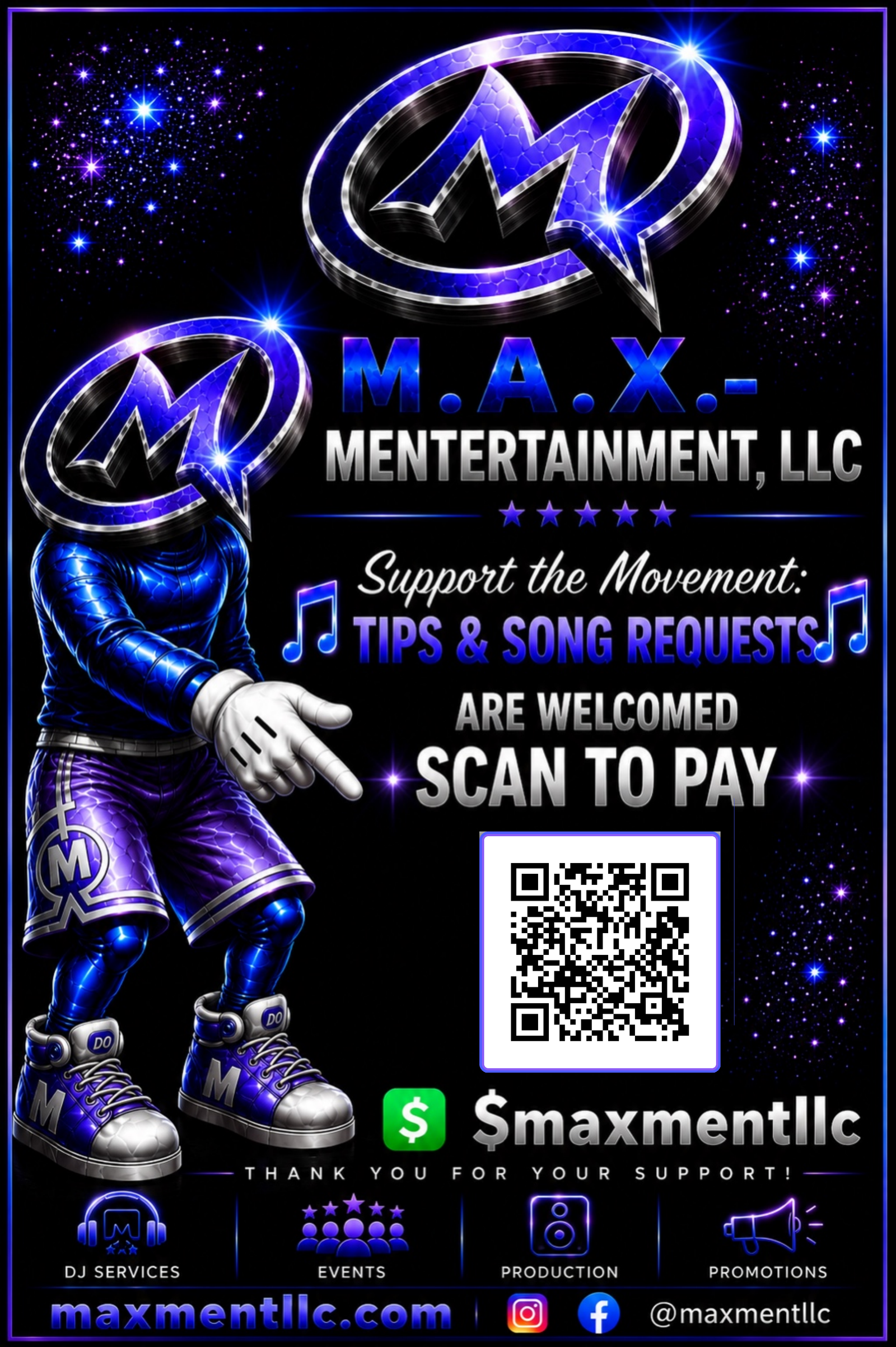
The MAX-MENT mascot points directly to the official $maxmentllc QR code. Scan it for DJ song requests and tips, or use the payment-purpose guidance below for event retainers, final balances, and approved sponsor contributions.
Scan the QR code with your phone camera or Cash App. Before sending payment, verify that the recipient shown in Cash App matches M.A.X.-MENTERTAINMENT, LLC.
For song requests and voluntary tips during DJ performances.
For an initial retainer only after your event details, price, and booking terms have been confirmed.
For the remaining event balance according to your confirmed invoice, agreement, or payment schedule.
For approved business, nonprofit, community, or individual sponsorship contributions supporting M.A.X.-MENTERTAINMENT, LLC initiatives.
Confirm the amount, purpose, event date, and recipient. A retainer or final balance should match your written quote, invoice, or service agreement.
Keep the Cash App receipt and send confirmation to maxmentllc@gmail.com when requested. Cash App notes do not replace a formal contract or invoice.
Sponsor contributions are not represented as tax-deductible charitable donations unless a qualified nonprofit partner provides written documentation stating otherwise. Payment processing is provided by Cash App and is subject to its terms and availability.